Privacy-First Label Printing, Redefined.
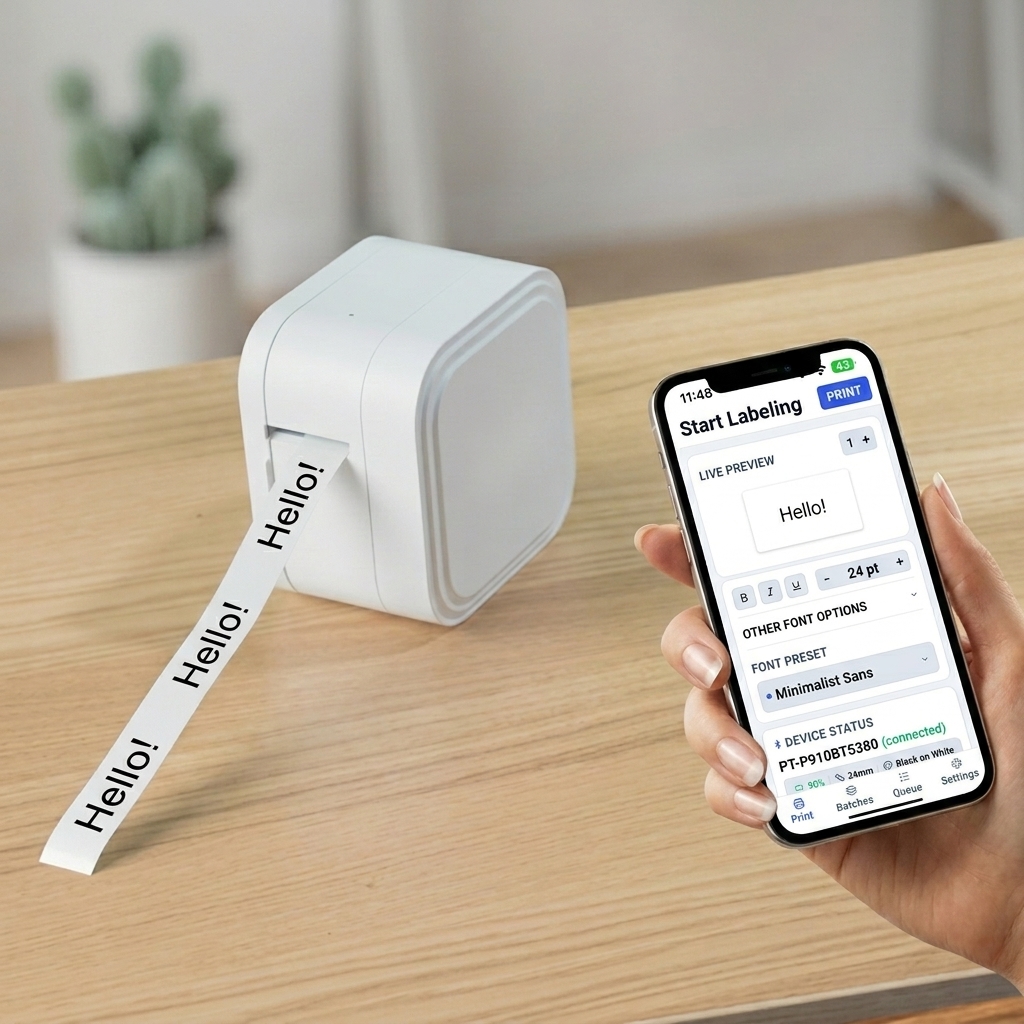
Create precision labels with an uncompromising design engine. Built to save time for professional organizers and large-scale projects, DashLabel talks natively to your Brother P-touch printer over Bluetooth—100% offline with zero cloud hassle.
Get Notified When We Launch
Subscribe to receive launch updates, beta access releases, and design preset updates. No spam, just product news.
Engineered for Effortless Organization
Take a look at how DashLabel elevates physical space labeling with offline security and native hardware integration.
Batch Print
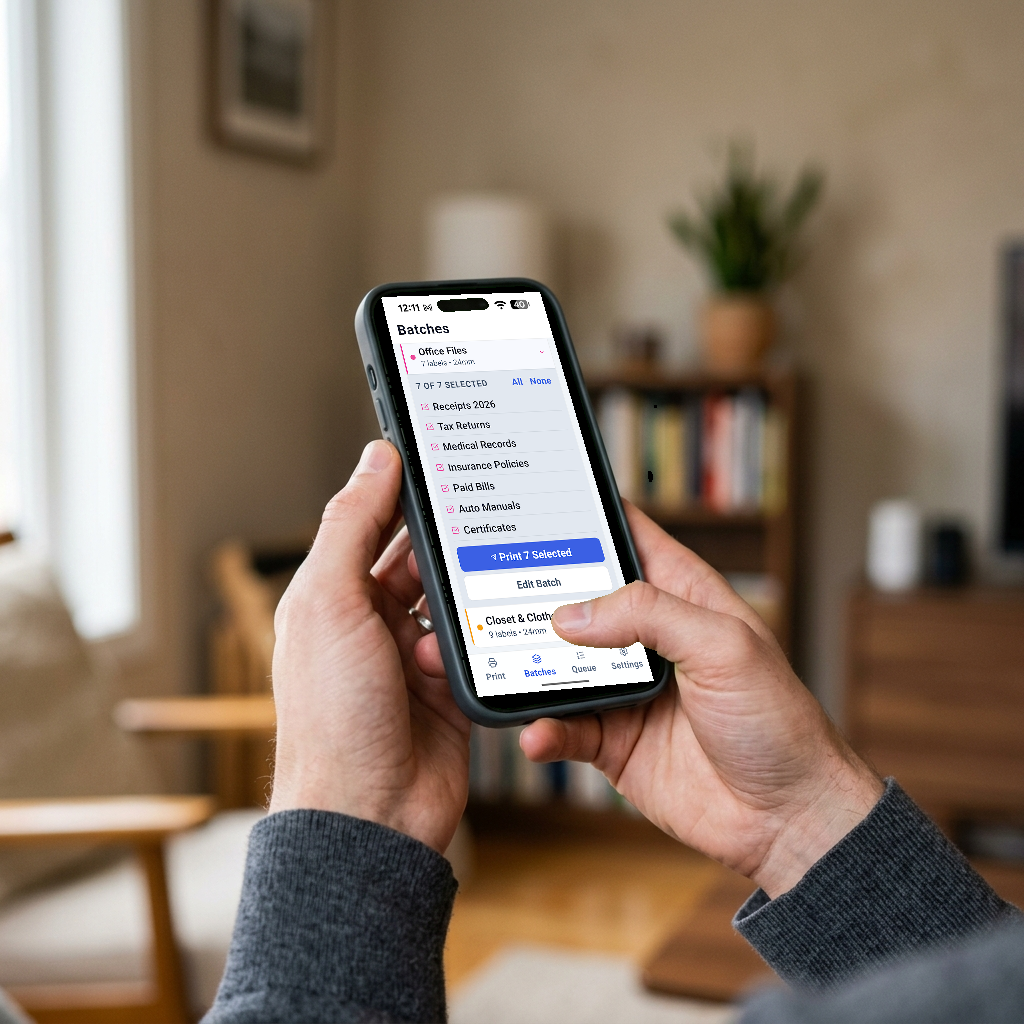
Compile complex label batches on-screen and transmit them as a single print sequence. Built to speed up heavy organizational projects and workflow volumes.
Live Queue Tracking
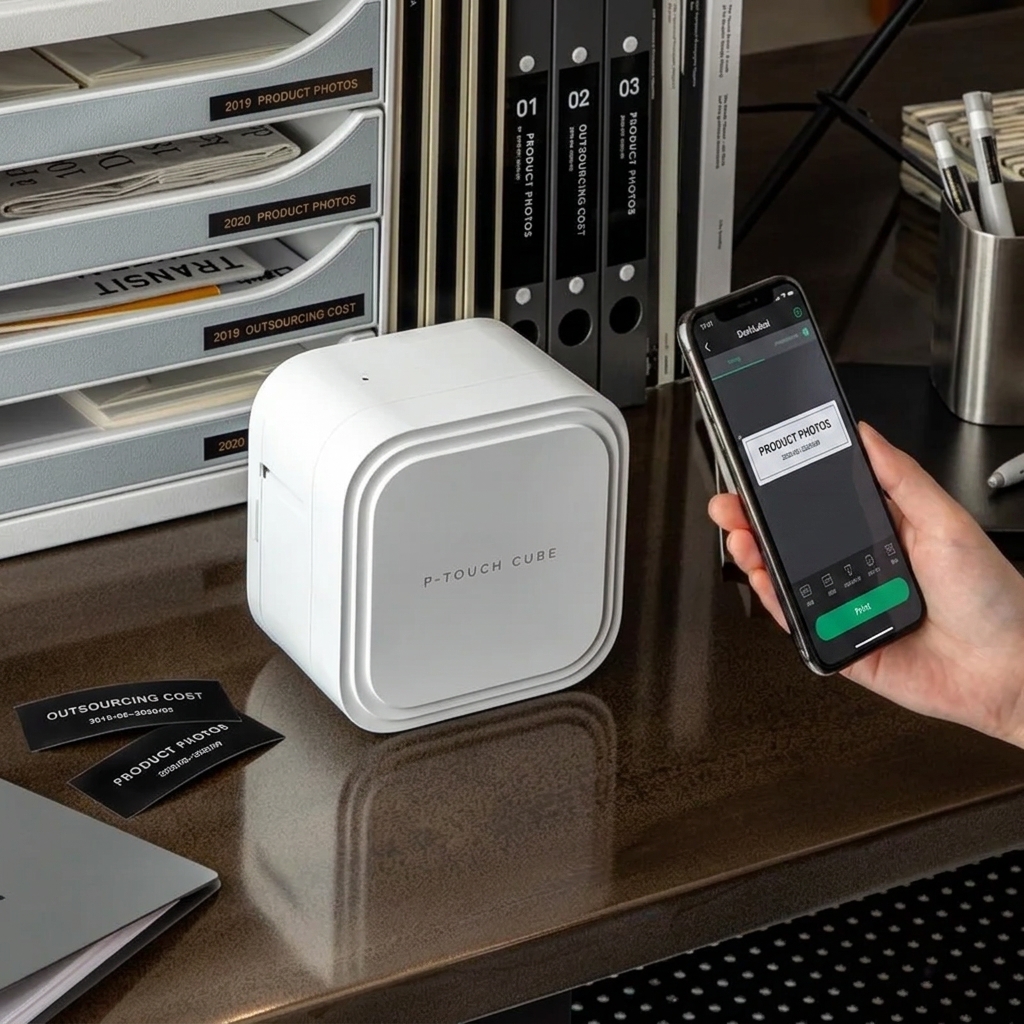
Track your print tasks in real time. Dynamic progress steps communicate active discovery, connection state, data transmission, and automatic cut stages.
Color-Coded Presets
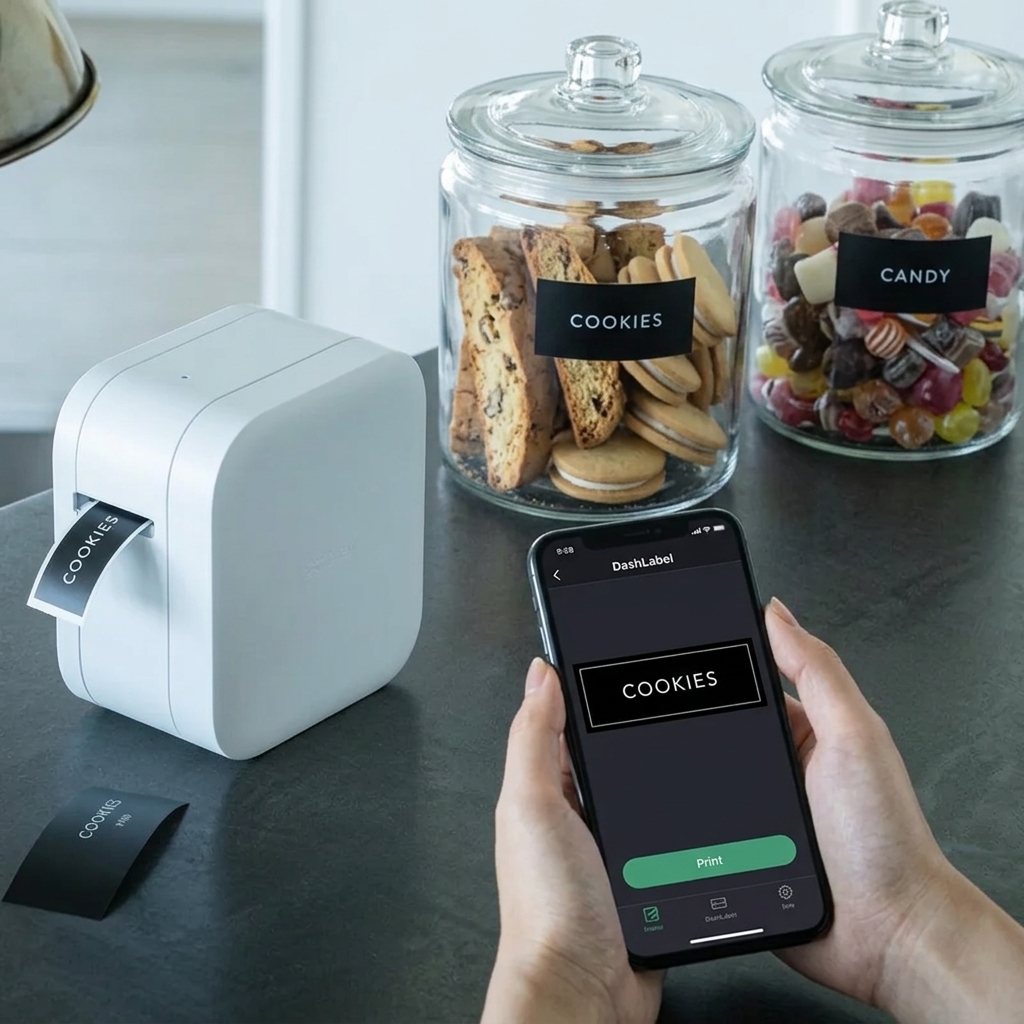
Organize your templates into custom, color-coded presets (like Pantry, Closet, Garage) to manage complex organizing domains in a unified visual workspace.
100% Private & Offline
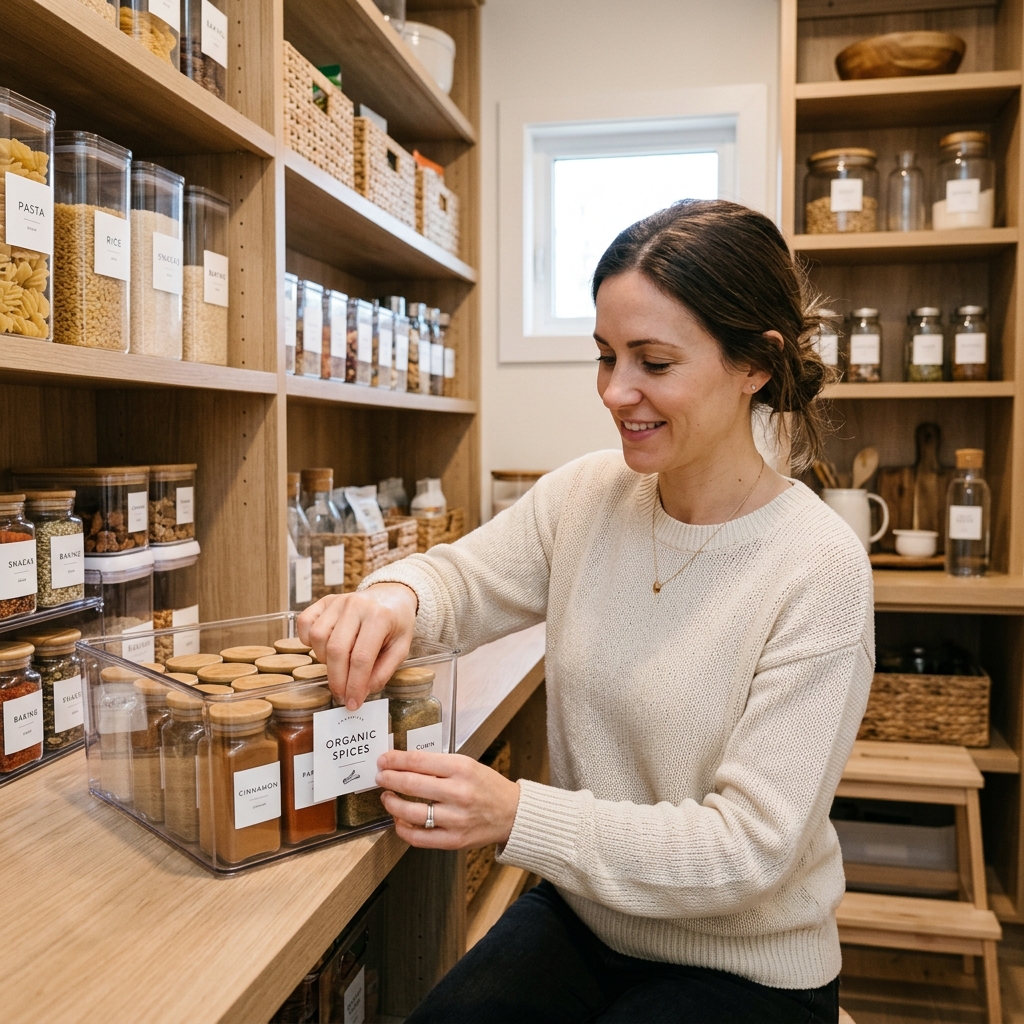
No cloud database, no tracking, and no external accounts. All custom designs, templates, and history logs are kept strictly on your smartphone's secure local database.
Frequently Asked Questions
Got questions? We've got answers about DashLabel compatibility, privacy, and printing workflows.
What printers is DashLabel compatible with?
DashLabel works natively with Brother P-touch Bluetooth printers (including the PT-P910BT, PT-P710BT, and PT-P300BT) as well as the QL series network and Bluetooth label printers (like QL-820NWB and QL-1110NWB). It pairs directly over Bluetooth LE without complex setup menus.
Does DashLabel require an internet connection or account?
No! DashLabel is built with a strict local-first philosophy. The app works 100% offline, requires no external servers, and does not ask you to create an account. All your templates, layouts, and print logs remain secure on your device.
How does the Batch Print workflow work?
Batch printing allows you to select multiple custom labels from your dashboard and add them to a print queue. Once you press print, DashLabel compiles the designs and transmits them to your Brother printer in a single sequence. This speeds up large labeling jobs and reduces tape margins by using continuous print modes.
What are Color-Coded Presets?
Color-coded presets let you save styling presets (including fonts, padding, margins, borders, and layouts) and group them by colors corresponding to different spaces (such as kitchen pantry, office files, or shipping boxes). When creating a new label, you can select a preset color to instantly load its design settings.
Is there a subscription fee?
Basic label designing and single printing features are completely free. Advanced batch printing workflows, custom font imports, and automated layout tools will be available under a one-time premium lifetime unlock. We do not charge recurring monthly subscription fees.
Metadata & Technical Specs
Details and configuration rules for developers and device administrators.
| Specification Detail | |
|---|---|
| Platform Support | iOS 15.0+ Android 9.0+ (API 28+) |
| Hardware Compatibility |
Works with Brother P-touch & QL label printer series.
Compatible models: PT-P910BT, PT-P710BT, PT-P300BT, QL-820NWB, QL-1110NWB. Connects natively via Bluetooth.
|
| Privacy Model | Privacy-First: All label designs, custom texts, and printing history are stored locally on your device. No cloud sync, no tracking, and no internet connection required. |